- ZIMO Home
- Sound Design
- ZCS
- ZIMO GURU (FAQ)
- Links zu Partner Websites









ZIMO App - The controller on your mobile device
The ZIMO App is designed as a ZIMO controller on your smartphone or tablet. Many terms and structures (digital system with MX32 and MX33 controllers) are well known to ZIMO users. The display is often similar, but the characteristics of a smartphone require a profound adaptation: on the one hand, the large screen opens up many possibilities, but on the other hand, the haptic feedback of the buttons and controls of a ‘real’ controller is missing.
The ZIMO app is primarily intended as a supplement to the ZIMO controllers, not as a replacement.
The main functions of the ZIMO app
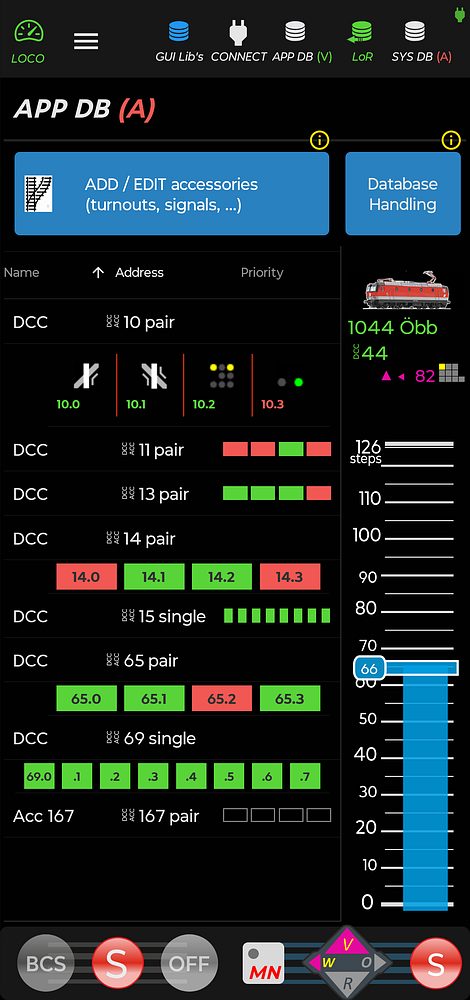
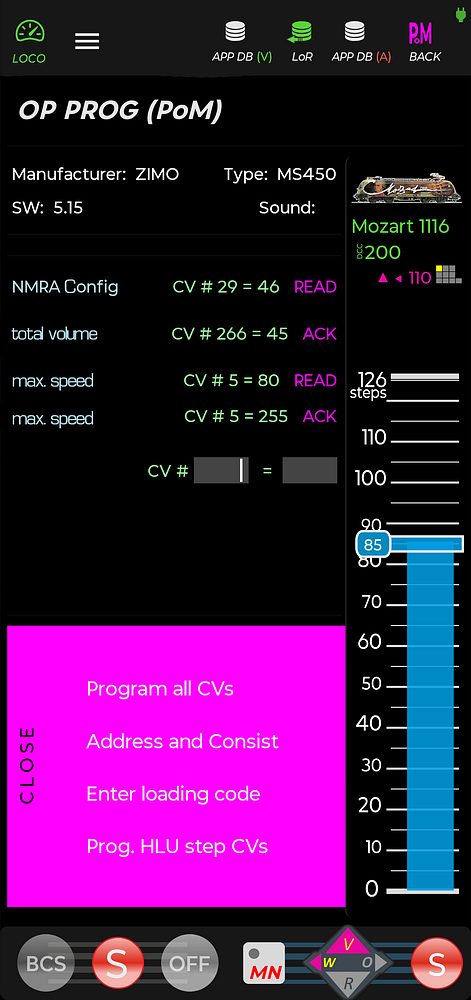
- Control & configure your ZIMO model railway system
- Customise the GUI for vehicles and accessories
- Program vehicle CVs
- Manage GUI libraries
ZIMO is, of course, continuously developing the app, which is why there will be updates and enhancements even after the initial release in the Google Play Store.
NOTE: The ZIMO app was developed for the Android operating system and works on common Android smartphones. Using old, disused devices may seem tempting, but in many cases the minimum system requirements are likely to impair operation, which is why we advise against it.
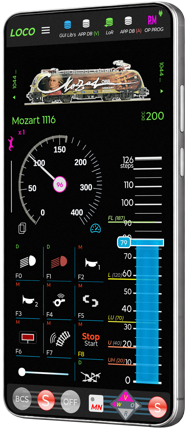
DOWNLOADING and INSTALLING the ZIMO app
The ZIMO app is now available in the Android Play Store and can be downloaded to any Android smartphone.
Either via a search (e.g. for zimo) in the Google Play Store on your mobile device, or directly via this link or the QR code:

DOWNLOAD the APP MANUAL
Before starting operation, please download and read the manual as a PDF file:

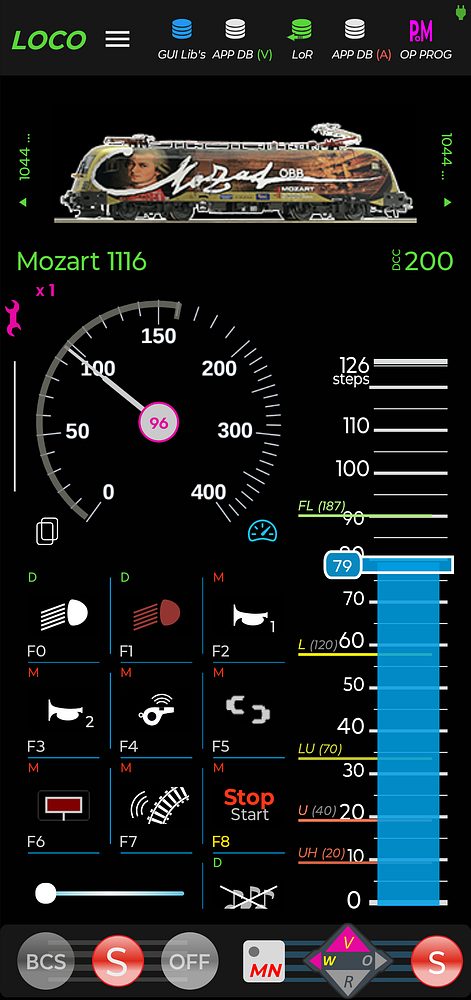
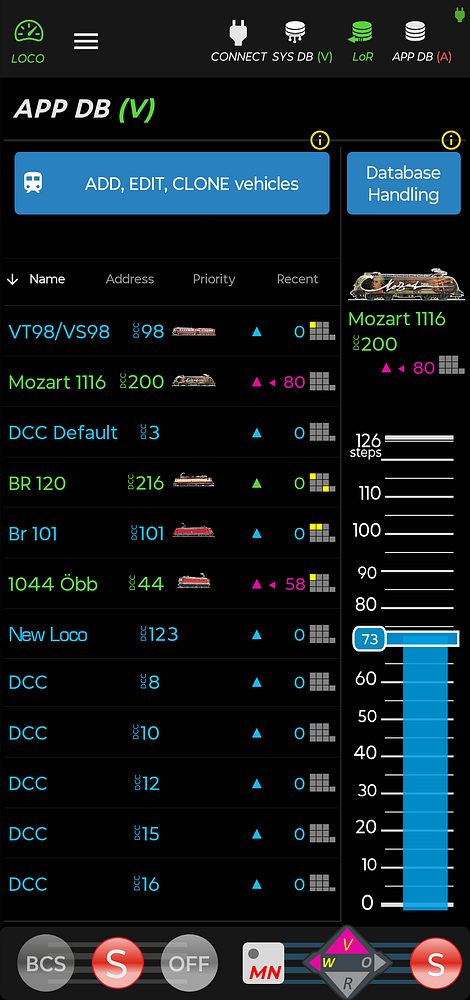
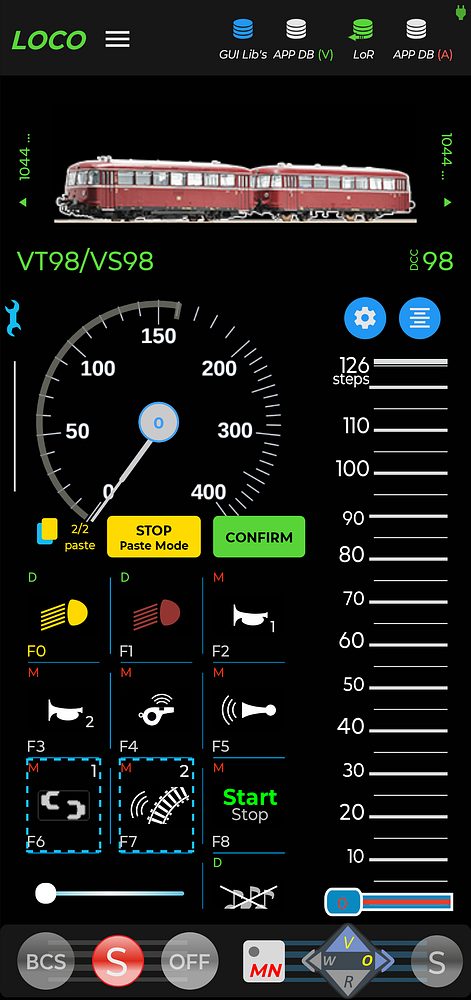
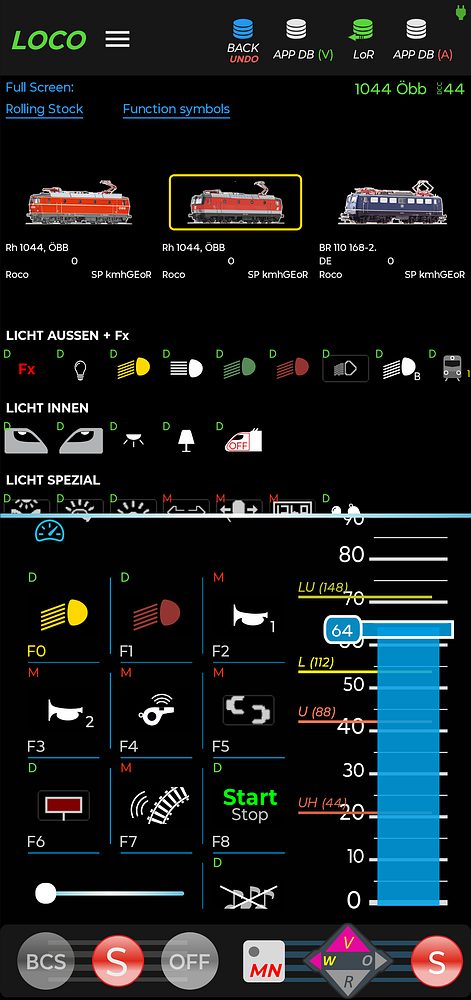
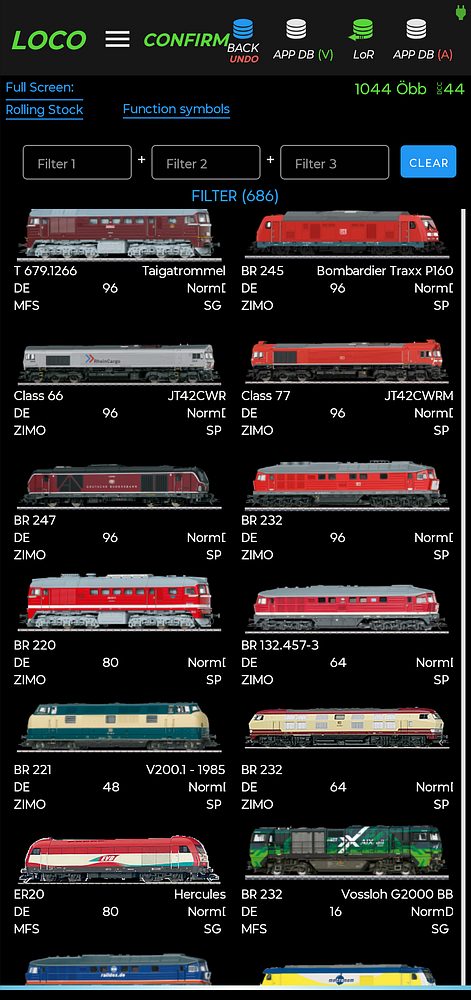
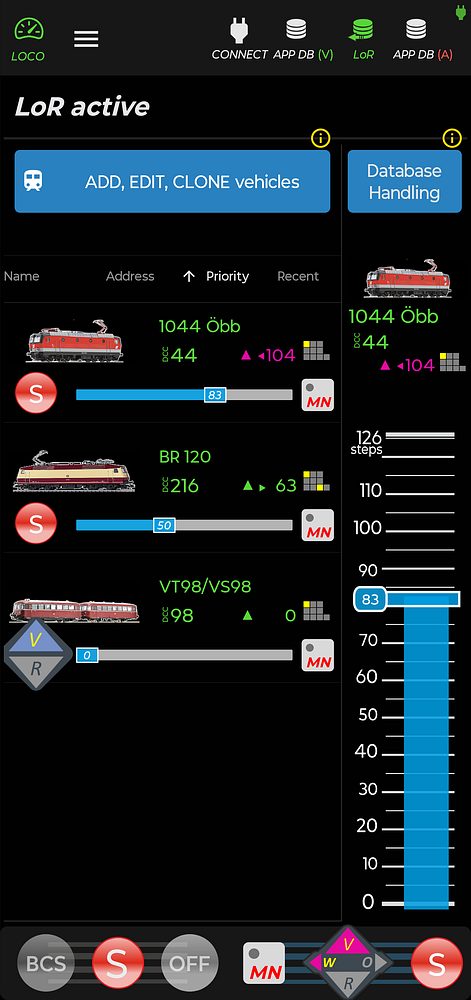
Below are some examples of the ZIMO app's range of functions:
06.03.2026